
Deep Image Understanding in AgentX: Detect Objects, Verify Regions, Prevent Counterfeits — Automatically
AI vision is entering a new era. Instead of simply classifying images, modern models can now inspect specific objects, analyze tiny regions, compare visual patterns, and understand abnormalities with human-level precision.
Today, AgentX introduces Deep Image Understanding — a next-generation capability that allows your agents to inspect images, detect inconsistencies, validate brand assets, analyze physical defects, interpret medical visuals, and flag potential threats or counterfeits.
This turns AgentX from a conversational AI into a cognitive visual inspector.
Below are the industries where this technology creates the highest value — each followed by a short explanation of how to build an AgentX agent capable of handling that workflow.
1. Product Quality Control (Manufacturing)
Automated defect detection, surface inspection, tolerance validation
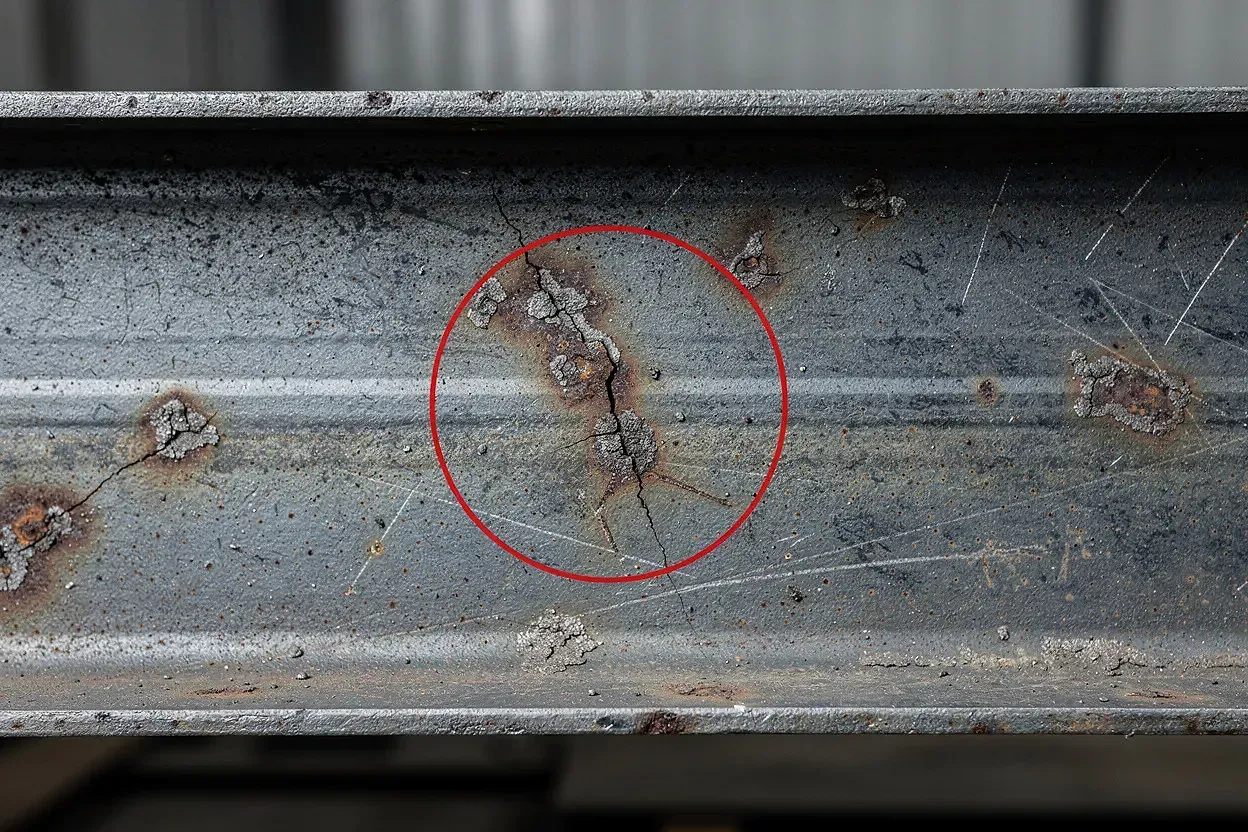
Deep Image Understanding allows manufacturers to detect issues such as:
Micro-scratches, dents, and cracks invisible to the human eye
Assembly misalignment, missing parts, incorrect tolerances
Surface inconsistencies in CNC machining, injection molding, casting
Texture irregularities, coating defects, welding imperfections
This enables reliable, automated quality control on production lines.
How to build an agent for this:
Equip your agent with a reference library of “golden” product images and examples of typical defects so it can compare uploaded photos against ideal standards. Adding tolerance rules and simple QC logic helps the agent classify findings and automatically flag issues that require human review.
2. Brand & Design Consistency Verification
Ensure perfect logos, packaging, typography, and colors
Deep Image Understanding supports:
Logo placement and proportion checks
Typography and font integrity validation
Brand color accuracy (shade, tolerance)
Packaging layout verification
Detection of unauthorized or outdated designs
How to build an agent for this:
Provide your agent with official brand assets — logos, color palettes, packaging templates — along with examples of common misprints. With this knowledge, the agent can compare every region of the image against your brand guidelines and automatically highlight inconsistencies.
3. Industrial & Infrastructure Monitoring
Detect corrosion, leaks, fatigue, and structural anomalies
Perfect for utilities, energy, and heavy industry, this capability detects:
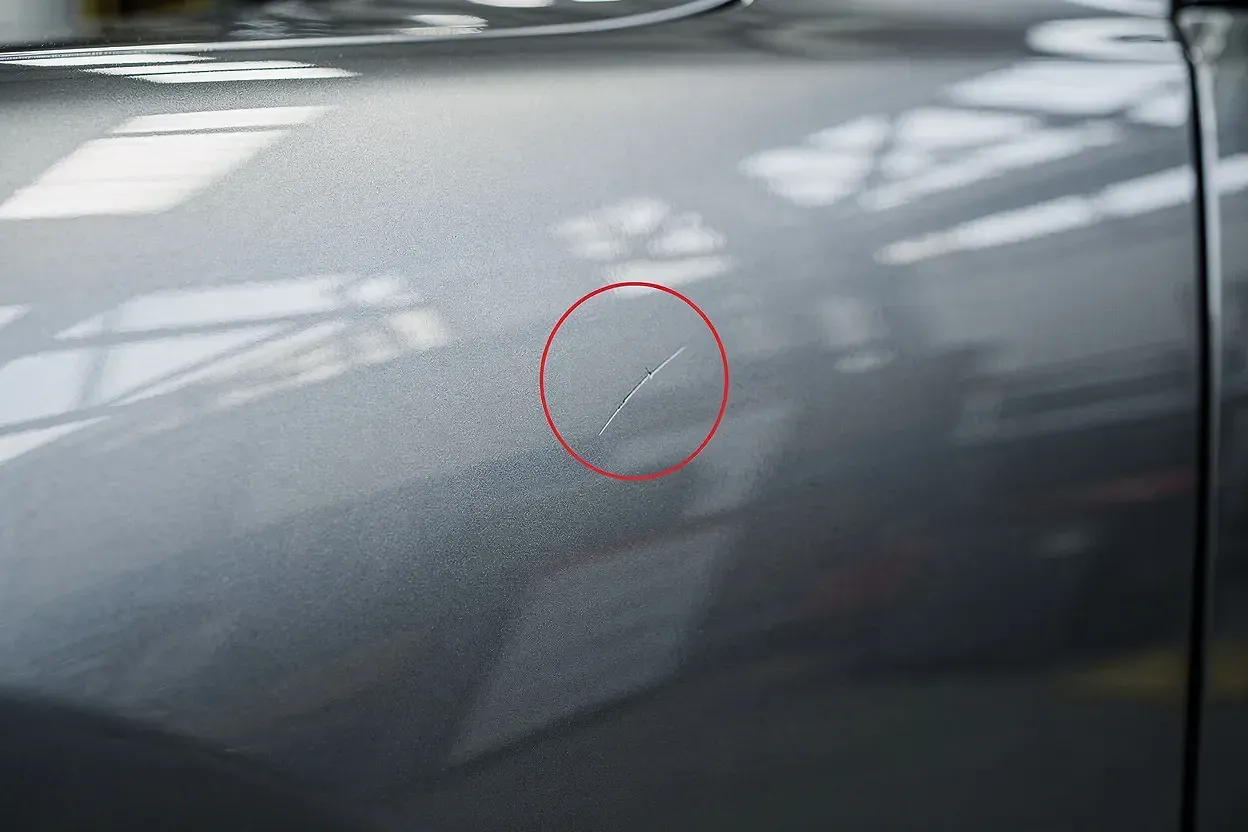
Early-stage rust and corrosion
Micro-cracks and metal fatigue
Faulty welds, seals, valves, connectors, or joints
Overheating marks, unusual discoloration, deformities
How to build an agent for this:
Upload reference images of healthy components along with visual examples of corrosion, cracks, and wear. With a simple severity scale added (minor/moderate/critical), the agent can visually assess infrastructure conditions and recommend inspection or maintenance actions.
4. Medical Diagnostics (Visual AI Assistance)
AI-assisted anomaly detection in radiology and clinical imagery
Deep Image Understanding helps analyze:
Chest X-rays with suspicious opacities or nodules
Dermatology images showing mole asymmetry or irregular borders
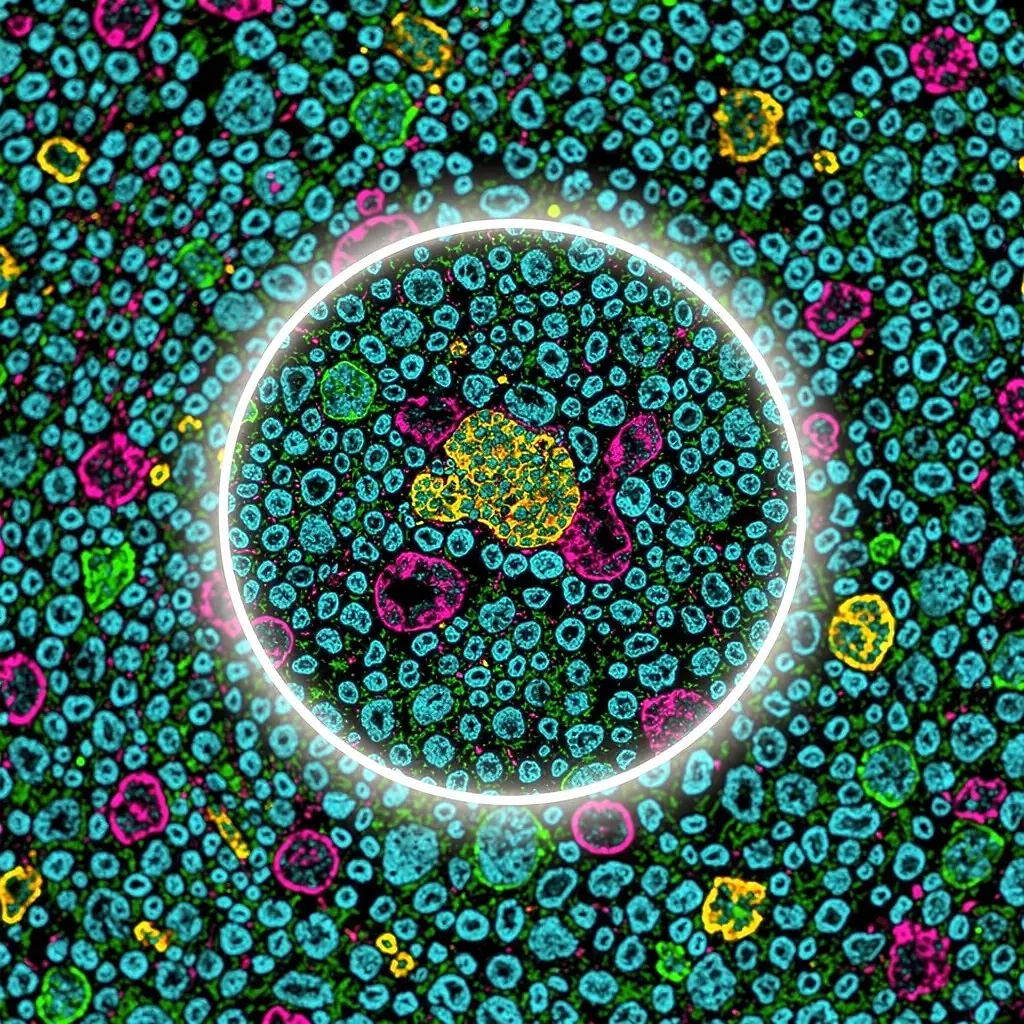
Microscopy images containing abnormal cells or pathogens
How to build an agent for this:
Give your agent a set of baseline “healthy” reference images plus annotated examples of common abnormalities. Add basic medical heuristics and a mandatory safety rule — the agent should assist with pattern recognition but always remind users that final evaluation must be done by a licensed clinician.
5. Automotive & Smart Mobility
Analyze vehicle damage, fleet conditions, and insurance claims
Ideal for insurers, rental companies, and mobility platforms. AI vision can detect:
Scratches, dents, bumper damage, paint defects
Misaligned body panels or cracked lights
Tire wear patterns
Damage during check-in/check-out workflows
How to build an agent for this:
Provide your agent with a labeled set of car parts and real examples of damage across various severities. Combined with simple claim rules (minor/moderate/severe), the agent can automatically analyze submitted photos and generate consistent, structured assessments.
6. Food & Agriculture
Detect crop disease, leaf damage, discoloration, and infestations
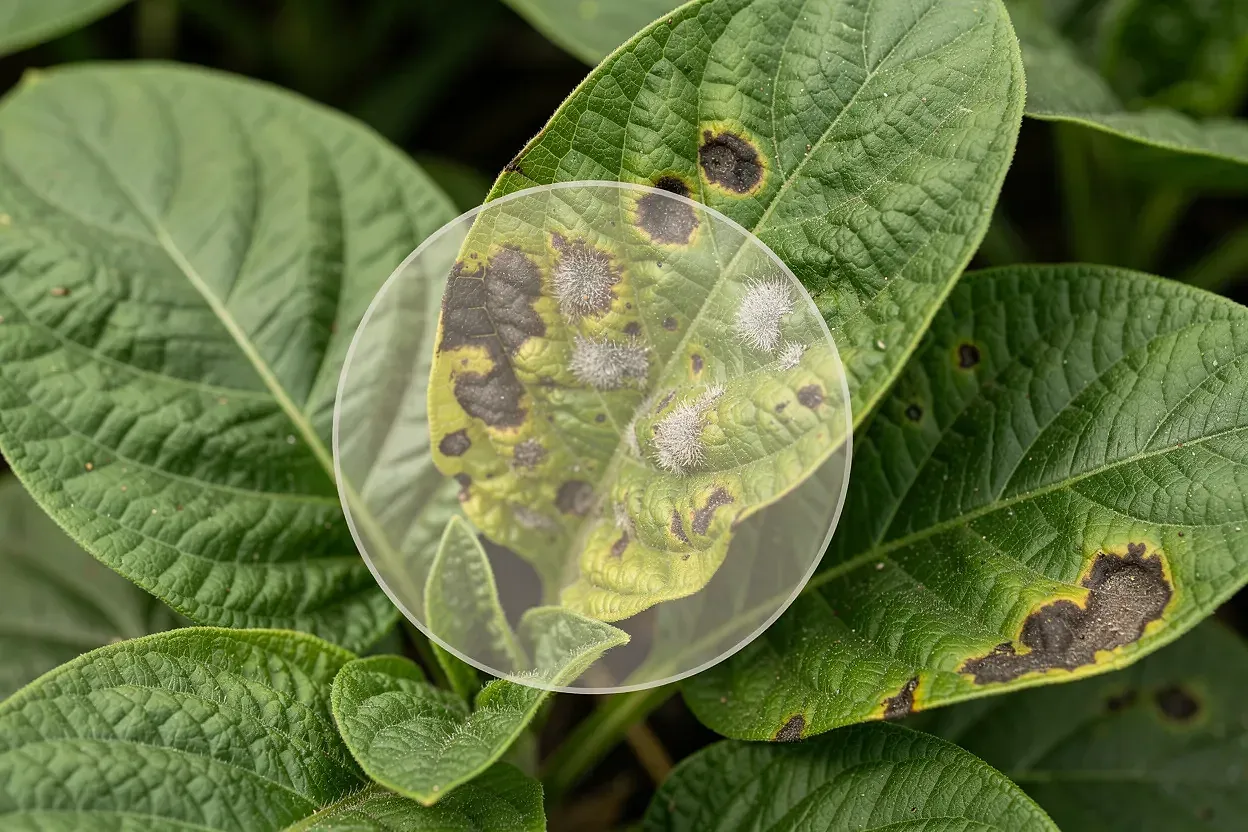
Deep Image Understanding can identify:
Leaf spots, fungal growth, mold, blight, rust
Discoloration patterns indicating nutrient deficiencies
Early insect infestation
Ripeness levels and product quality variations
How to build an agent for this:
Upload healthy plant images alongside disease examples so the agent learns to distinguish natural variation from actual pathology. Adding short descriptions of disease progression helps the agent provide actionable insights instead of simple classifications.
7. Security & Compliance Monitoring
Identify dangerous objects, restricted items, or concealed threats
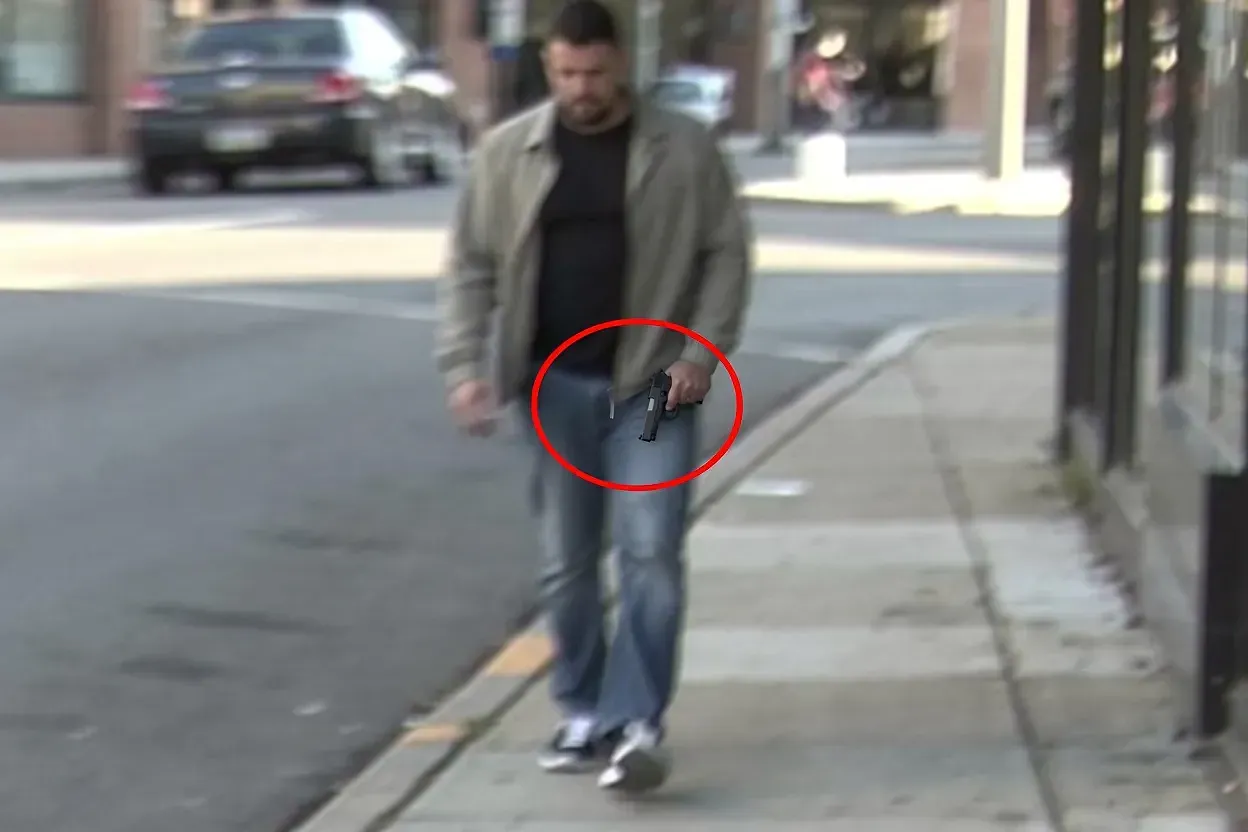
Useful in transportation hubs, workplaces, and public spaces. AI can detect:
Concealed weapons or dangerous tools
Suspicious outlines in low-quality CCTV footage
Restricted materials in bags or clothing
PPE compliance violations
How to build an agent for this:
Give the agent a library of weapon outlines and dangerous objects in different lighting and distances, especially low-resolution examples. With basic context rules to avoid false positives, the agent can highlight suspicious regions and provide a probability-based risk assessment.
8. Counterfeit Prevention & Anti-Fraud Detection
Spot fake products, mismatched logos, incorrect packaging, texture anomalies
Deep Image Understanding excels at:
Authentic vs. fake logo geometry comparison
Texture, stitching, embossing, and material differences
Incorrect fonts, colors, or layout spacing
Invalid barcodes, QR codes, and serial numbers
Packaging inconsistencies commonly found in fakes
How to build an agent for this:
Upload high-resolution images of authentic products along with known counterfeit examples so the agent learns typical deviation patterns. Adding databases of valid serial numbers, barcodes, and packaging rules allows the agent to run detailed authenticity checks and generate confidence scores.
How to Try Deep Image Understanding Inside AgentX

Getting started takes less than a minute.
Here’s how to enable visual inspection and teach your agent what to look for:
1. Open your agent and go to the Edit screen.
Navigate to General → Agent Skills and enable Deep Image Understanding.
2. Click the Deep Image Understanding button.
A panel will open on the right side of your screen (as shown above).
3. Add your tracking items.
These are the specific visual elements your agent will look for inside every uploaded image.
You can add single words or full phrases — whatever best describes what matters in your workflow.
Here are example tracking items you can paste directly, based on the use cases described in the article:
micro-scratches
surface cracks
incorrect logo placement
logo proportion mismatch
brand color deviation
corrosion
rust patches
faulty weld
damaged valve seal
suspicious opacity in lungs
irregular mole border
abnormal cell cluster
bumper damage
paint defect
leaf spot disease
crop discoloration
concealed weapon outline
dangerous object
incorrect font or label layout
counterfeit packaging inconsistency
4. Save your agent.
From now on, every time you upload or analyze an image, the agent will automatically look for the tracking items you defined - highlighting regions, explaining findings, and giving you structured insight.
The Future of Image Intelligence Is Here
Deep Image Understanding transforms AgentX agents into visual inspectors, brand guardians, safety systems, medical assistants, counterfeit detectors, quality controllers, and agricultural analysts — all inside a single platform.
If your business relies on physical products, visual workflows, compliance, safety, or authenticity, this technology delivers scale, speed, and precision far beyond traditional computer vision tools.