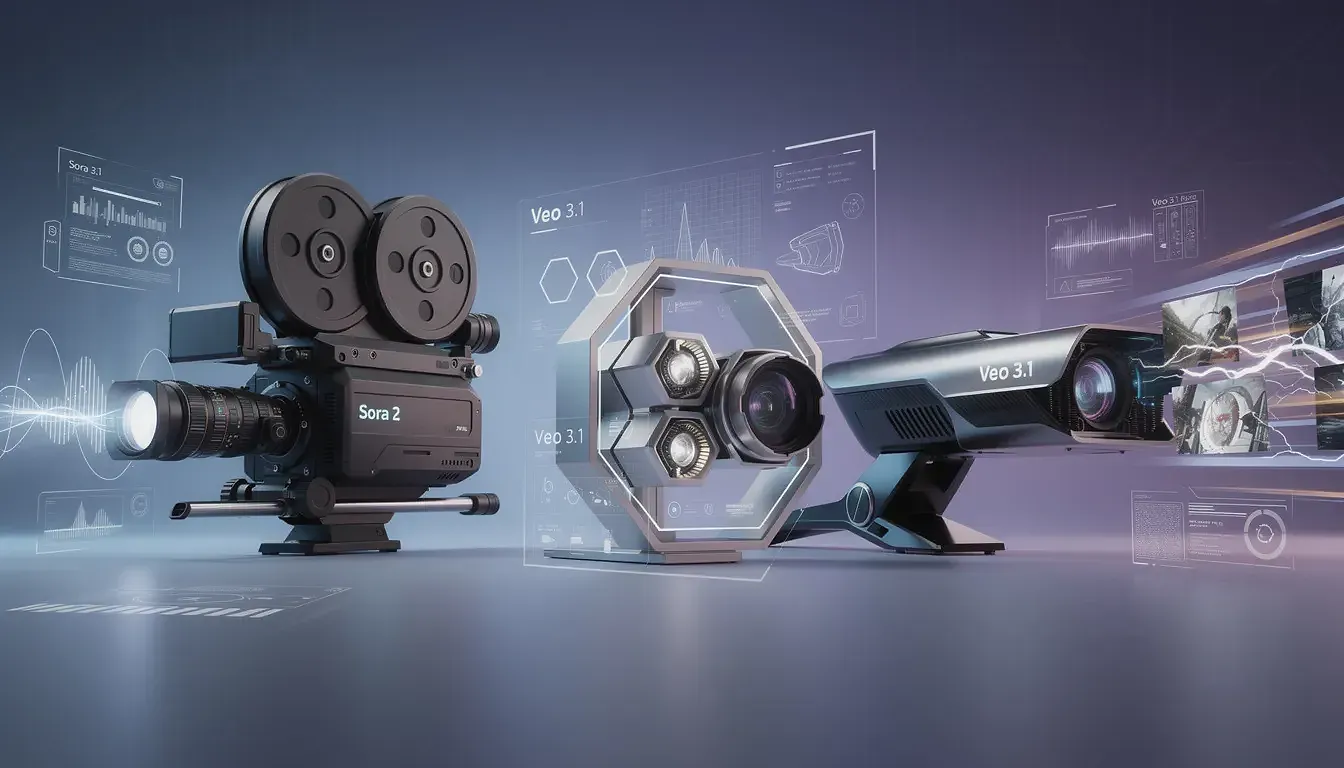
Explore advanced AI video generation in AgentX with Sora 2, Veo 3.1, and Veo 3.1 Fast. Compare capabilities, use cases, and choose the right model for your workflow.
AI video generation has entered a new phase.
AgentX now supports three of the most advanced AI video generation models available today: Sora 2 from OpenAI, Veo 3.1, and Veo 3.1 Fast from Google. Each model is optimized for a different creative workflow - from cinematic, long-form storytelling to rapid, high-volume iteration.
Whether you're building premium marketing assets, social-first video content, or testing ideas at scale, AgentX gives your agents access to the right model for the job. Below, we break down what makes each video generator unique, how they compare, and when to use each one.
🎥 Sora 2: Cinematic Realism Meets Audio Perfection
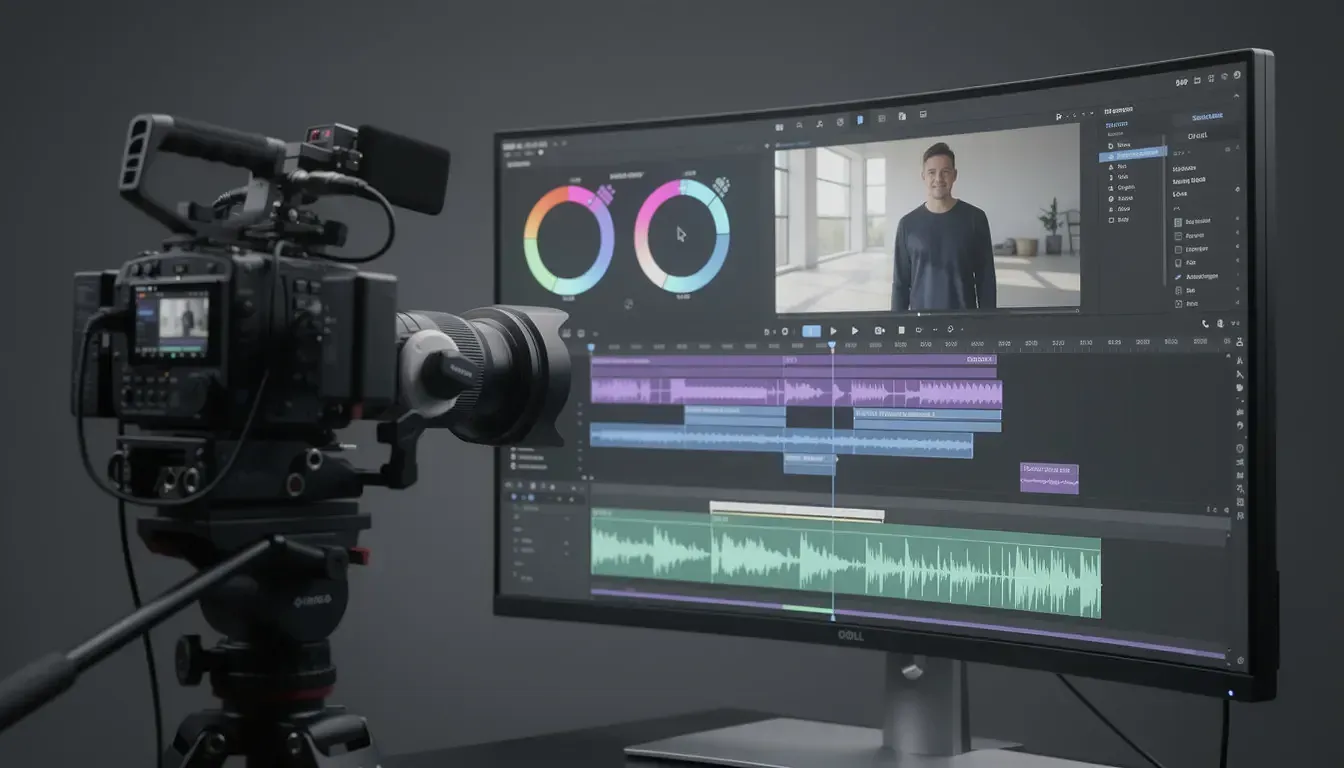
Sora 2 represents OpenAI's latest breakthrough in text-to-video generation. This model is engineered for creators who demand film-quality output with synchronized audio and exceptional physical accuracy.
Due to its advanced audio and physics simulation, Sora 2 prioritizes quality over generation speed.
What Makes Sora 2 Special?
🎬 Extended Video Length
Sora 2 generates videos up to 60 seconds long - significantly longer than most competitors. This makes it ideal for complete narratives, product demonstrations, and storytelling that needs breathing room.
🎵 Native Audio Synchronization
Unlike models that add audio as an afterthought, Sora 2 generates synchronized sound effects and ambient audio that naturally match the visual content. The audio feels organic, not pasted on.
⚙️ Advanced Physics Simulation
Watch objects move with realistic weight, see accurate reflections, and observe natural interactions between elements. Sora 2's physics engine creates believable motion that passes the "eye test."
👤 Cameo Feature
Upload your own video and audio clip to place yourself inside generated scenes. This personalization feature opens new possibilities for branded content and personalized marketing.
✂️ Built-in Editing Tools
Stitch multiple clips together, control start and end frames, and make basic edits directly within the generation workflow.
Best Use Cases for Sora 2
✔ Premium marketing videos requiring cinematic quality
✔ Product demonstrations with realistic physics
✔ Educational content with synchronized narration
✔ Branded content featuring real people (via Cameo)
✔ Any project where audio-visual synchronization matters
Technical Specifications
Length: Up to 60 seconds
Resolution: Up to 1080p
Frame Rate: 24 fps
Audio: Native synchronized audio
Special Features: Cameo, video editing, extended duration
🌟 Veo 3.1: Precision Control and Creative Flexibility
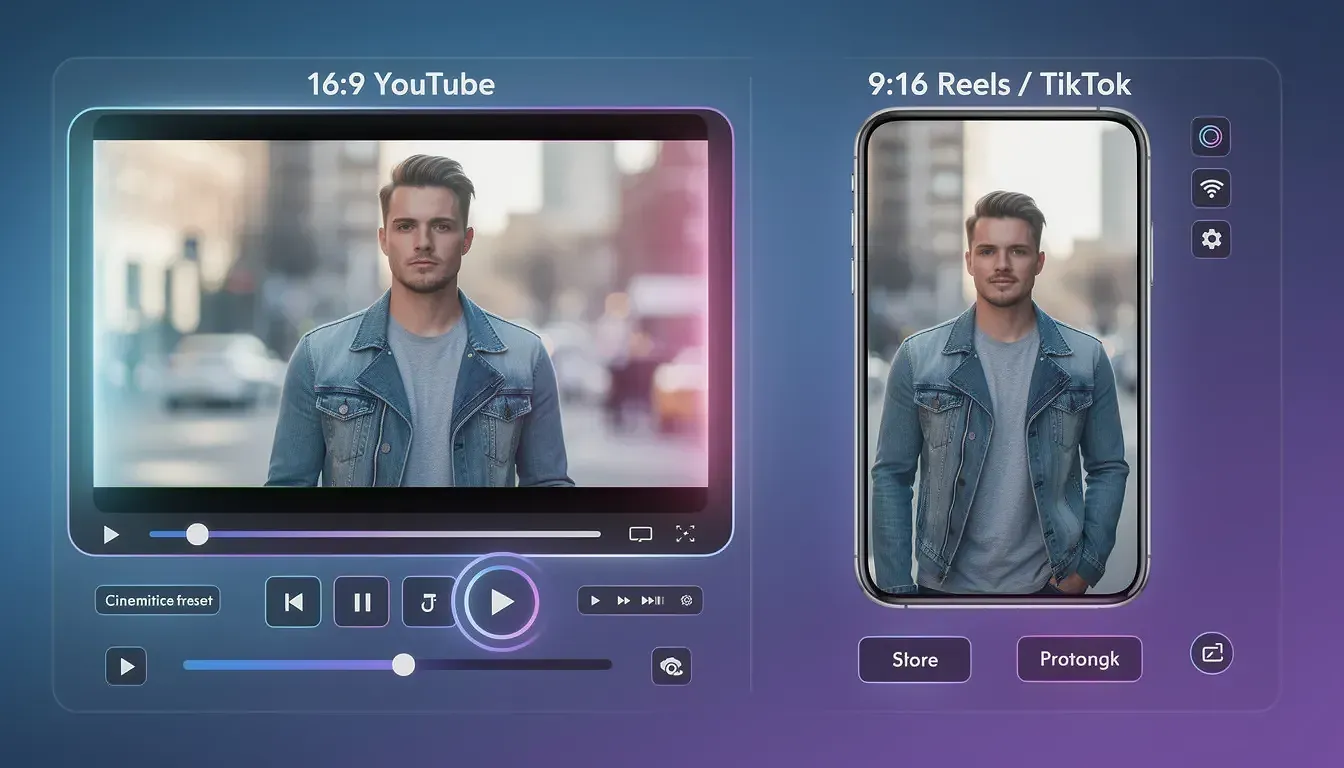
Veo 3.1 Creative Control Veo 3.1 is Google's state-of-the-art video generation model, designed for creators who need granular control over every aspect of their video. With three distinct generation modes and configurable aspect ratios, Veo 3.1 offers unmatched creative flexibility.
What Makes Veo 3.1 Special?
📐 Configurable Aspect Ratios
Generate videos in landscape (16:9) for YouTube and traditional platforms, or portrait (9:16) for Instagram Reels, TikTok, and mobile-first content. One model, multiple formats.🎨 Three Generation Modes
Text-to-Video: Create videos from text descriptions
Image-to-Video: Animate your static images with realistic motion
Video Extension: Extend existing clips with seamless continuation
🎭 Enhanced Character Consistency
Veo 3.1 excels at maintaining character appearance, clothing, and features throughout the entire video — crucial for brand consistency and storytelling.🎬 Cinematic Presets
Access predefined camera movements, lighting setups, and cinematic styles. Apply professional filmmaking techniques without manual configuration.🖼️ Start/End Frame Control
Define exactly how your video begins and ends. This frame-level control ensures your generated content integrates seamlessly with existing footage.
Its shorter clip length makes it best suited for modular or social-first workflows.
Best Use Cases for Veo 3.1
✔ Social media content requiring specific aspect ratios
✔ Animating illustrations, concept art, or product renders
✔ Brand campaigns requiring character consistency
✔ Projects needing precise creative control
✔ Extending existing video footage with AI-generated contentTechnical Specifications
Length: 8 seconds per generation
Resolution: 720p or 1080p
Frame Rate: 24 fps
Aspect Ratios: 16:9 (landscape), 9:16 (portrait)
Audio: Natively generated
Special Features: Three generation modes, cinematic presets, frame control
⚡ Veo 3.1 Fast: Speed Without Compromise
Veo 3.1 Fast Speed Veo 3.1 Fast is the optimized version of Veo 3.1, built for rapid iteration and high-volume production. When you need results quickly without sacrificing quality, this is your go-to model.
While optimized for speed, ultra-fine cinematic details may require the standard Veo 3.1 model.
What Makes Veo 3.1 Fast Special?
⚡ Lightning-Fast Generation
Significantly reduced processing time compared to standard Veo 3.1. Perfect for testing multiple prompt variations or producing large batches of content.🎯 Maintained Quality
Despite the speed boost, Veo 3.1 Fast delivers comparable visual quality to its full-featured sibling. You're trading generation time, not output quality.💰 Cost Efficiency
Lower resource consumption means more generations within your budget. Ideal for A/B testing, experimentation, and high-volume workflows.🔄 Full Feature Compatibility
Access the same aspect ratios, generation modes, and core features as Veo 3.1 — just faster.Best Use Cases for Veo 3.1 Fast
✔ Rapid prototyping of video concepts
✔ A/B testing different creative approaches
✔ High-volume social media content production
✔ Quick visualization of ideas before final production
✔ Iterative prompt refinement and experimentationTechnical Specifications
Length: 8 seconds per generation
Resolution: 720p or 1080p
Frame Rate: 24 fps
Aspect Ratios: 16:9 (landscape), 9:16 (portrait)
Audio: Natively generated
Generation Speed: ⚡ Optimized for rapid output
📊 Side-by-Side Comparison: Which Model Should You Choose?
Feature
Sora 2
Veo 3.1
Veo 3.1 Fast
Max Length
60 seconds
8 seconds
8 seconds
Resolution
Up to 1080p
720p/1080p
720p/1080p
Audio
✅ Synchronized
✅ Native
✅ Native
Aspect Ratios
Standard
16:9, 9:16
16:9, 9:16
Generation Speed
Standard
Standard
⚡ Fast
Cameo Feature
✅ Yes
❌ No
❌ No
Image-to-Video
✅ Yes
✅ Yes
✅ Yes
Video Extension
✅ Yes
✅ Yes
✅ Yes
Editing Tools
✅ Advanced
⚠️ Basic
⚠️ Basic
Physics Accuracy
⭐⭐⭐⭐⭐
⭐⭐⭐⭐
⭐⭐⭐⭐
Prompt Adherence
⭐⭐⭐⭐⭐
⭐⭐⭐⭐⭐
⭐⭐⭐⭐
Decision Guide
Choose Sora 2 if you need:
Longer video content (30-60 seconds)
Perfect audio-visual synchronization
Maximum cinematic realism
Personalized content with Cameo
Advanced editing capabilities
Choose Veo 3.1 if you need:
Multiple aspect ratios for different platforms
Precise creative control with presets
Character consistency across scenes
Image-to-video animation
Professional-grade quality with flexibility
Choose Veo 3.1 Fast if you need:
Rapid generation for testing
High-volume content production
Quick concept visualization
Cost-effective iterations
Speed as a priority
🎉 All Three Models Are Now Available in AgentX
Getting started with these video generators in AgentX is straightforward. You can enable them in any of your agents with just a few clicks.
How to Enable Video Generation in Your Agent
Step 1: Open Your Agent Settings
Navigate to your agent dashboard and click Edit Agent on the agent you want to enhance with video generation capabilities.Step 2: Go to Integrations
In the agent settings, find the Integrations section. This is where you'll enable all tools and capabilities for your agent.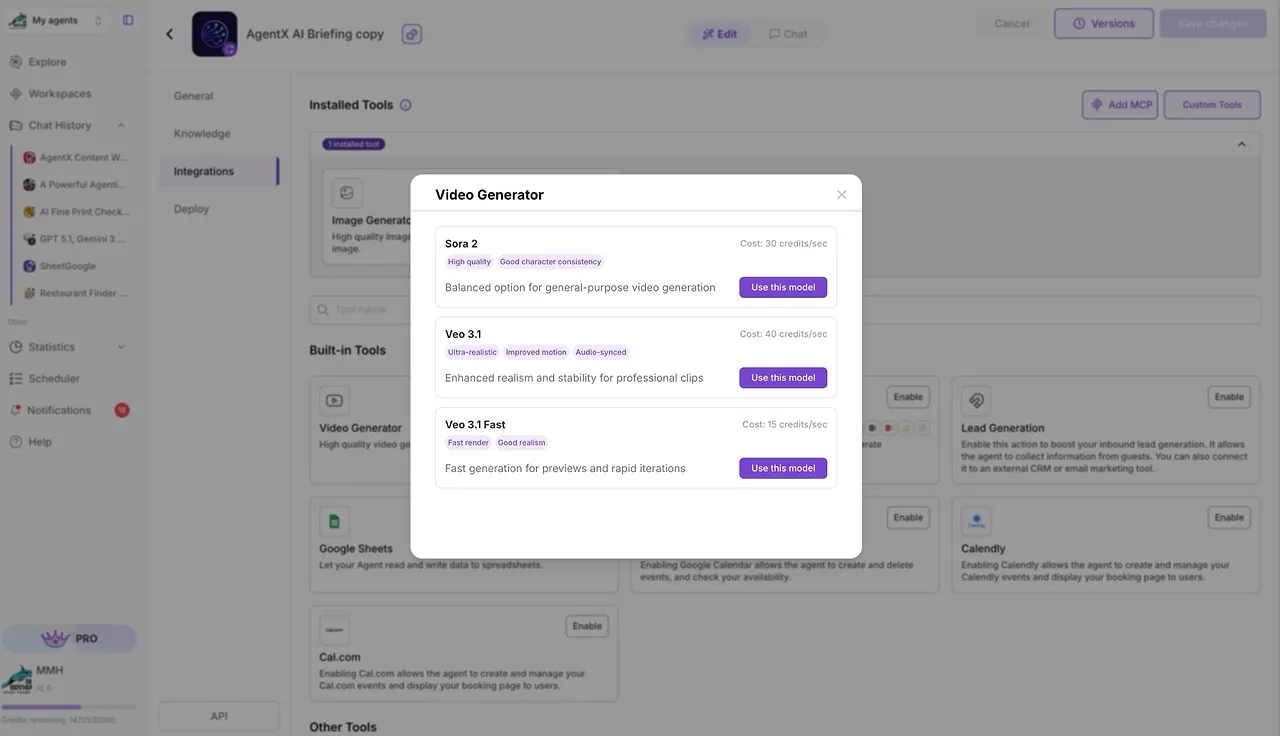
Video Generator settings Step 3: Enable Video Generators
Scroll to the Video Generation category and toggle on the models you want to use:✅ Sora 2 Video Generator
✅ Veo 3.1 Video Generator
✅ Veo 3.1 Fast Video Generator
You can enable one model.
Step 4: Save and Test
Click Save Changes and test your agent by requesting video generation. Your agent will now have access to cutting-edge video creation capabilities.💡 Real-World Applications
Marketing Agency Workflow
A marketing agency uses all three models strategically:
Sora 2 for premium client campaigns requiring 30-60 second hero videos
Veo 3.1 for social media content in various aspect ratios
Veo 3.1 Fast for rapid A/B testing of creative concepts
E-commerce Product Videos
An online retailer automates product video creation:
Veo 3.1 animates product images with realistic motion
Veo 3.1 Fast generates dozens of product showcase variations
Sora 2 creates premium lifestyle videos for flagship products
Content Creator Pipeline
A content creator optimizes their workflow:
Veo 3.1 Fast for quick concept testing and ideation
Veo 3.1 for polished Instagram Reels and TikTok content
Sora 2 for YouTube video intros and outros
🚀 What's Next for Video Generation in AgentX
We're continuously improving video generation capabilities. Coming soon:
Automated video editing workflows combining multiple clips
Style transfer between generated videos
Extended duration options for Veo models
Advanced camera control with precise movement paths
Direct social media publishing from AgentX
📝 Start Creating Professional Videos Today
The future of video content creation is here. With Sora 2, Veo 3.1, and Veo 3.1 Fast now available in AgentX, your AI agents can generate professional-quality videos on demand.
No complex software. No expensive production teams. Just describe what you need, and let your agents handle the rest.
Ready to transform your video workflow?
Get Started Free | Book a Demo
Keep exploring
Introducing Flux 2 PRO - New High-Fidelity Image Generator in AgentX
Introducing Nano Banana 2 - Lightning-Fast Image Generation Now in AgentX