Image Generator
Generate high-quality AI images directly from your AgentX agent. Turn text prompts into production-ready visuals for marketing, product design, social media, presentations, and more.
The Image Generator tool enables your AI agent to generate AI images from natural language prompts. Once enabled, your agent can create visuals during conversations, workflows, and automated tasks.
Available models
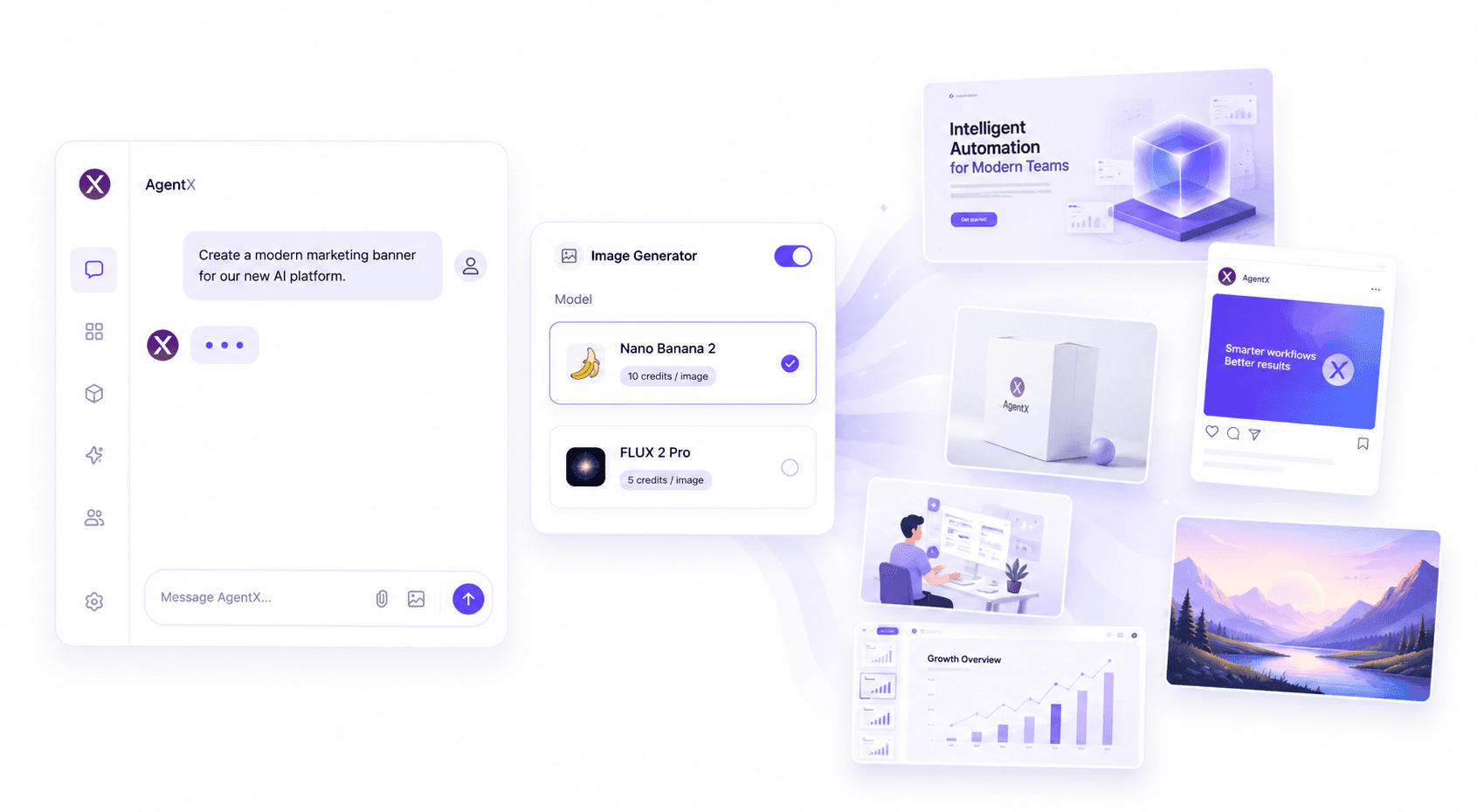
AgentX currently offers multiple image generation models, allowing you to select the best option for your workflow.
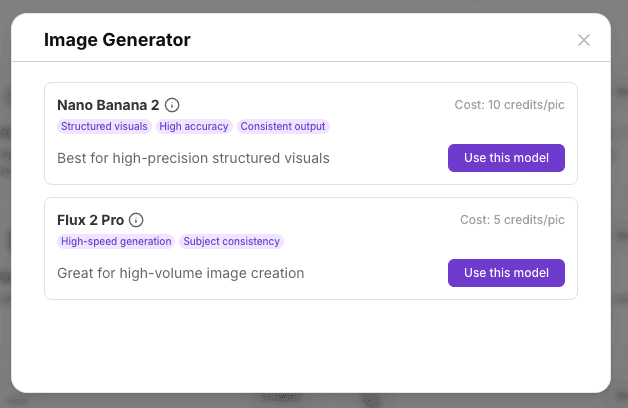
Nano Banana 2
Best for high-precision structured visuals with excellent prompt accuracy and consistent outputs.
High prompt accuracy
Structured visual generation
Consistent results
Cost: 10 credits per image
FLUX 2 Pro
Optimized for fast, high-volume image generation while maintaining consistent quality.
High-speed generation
Subject consistency
Great for large batches of images
Cost: 5 credits per image
How to use
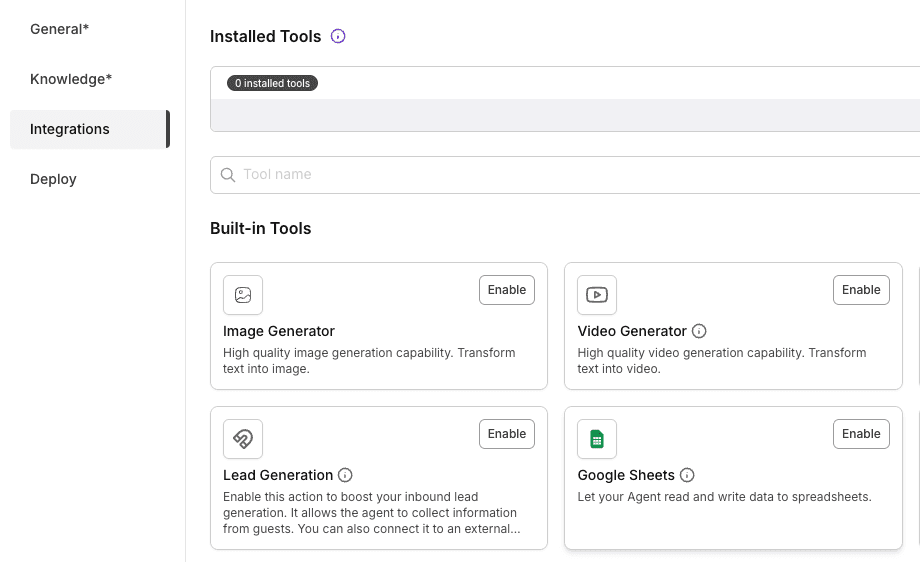
Create or edit your Agent.
Open the Integrations tab.
Enable Image Generator.
Select either Nano Banana 2 or FLUX 2 Pro.
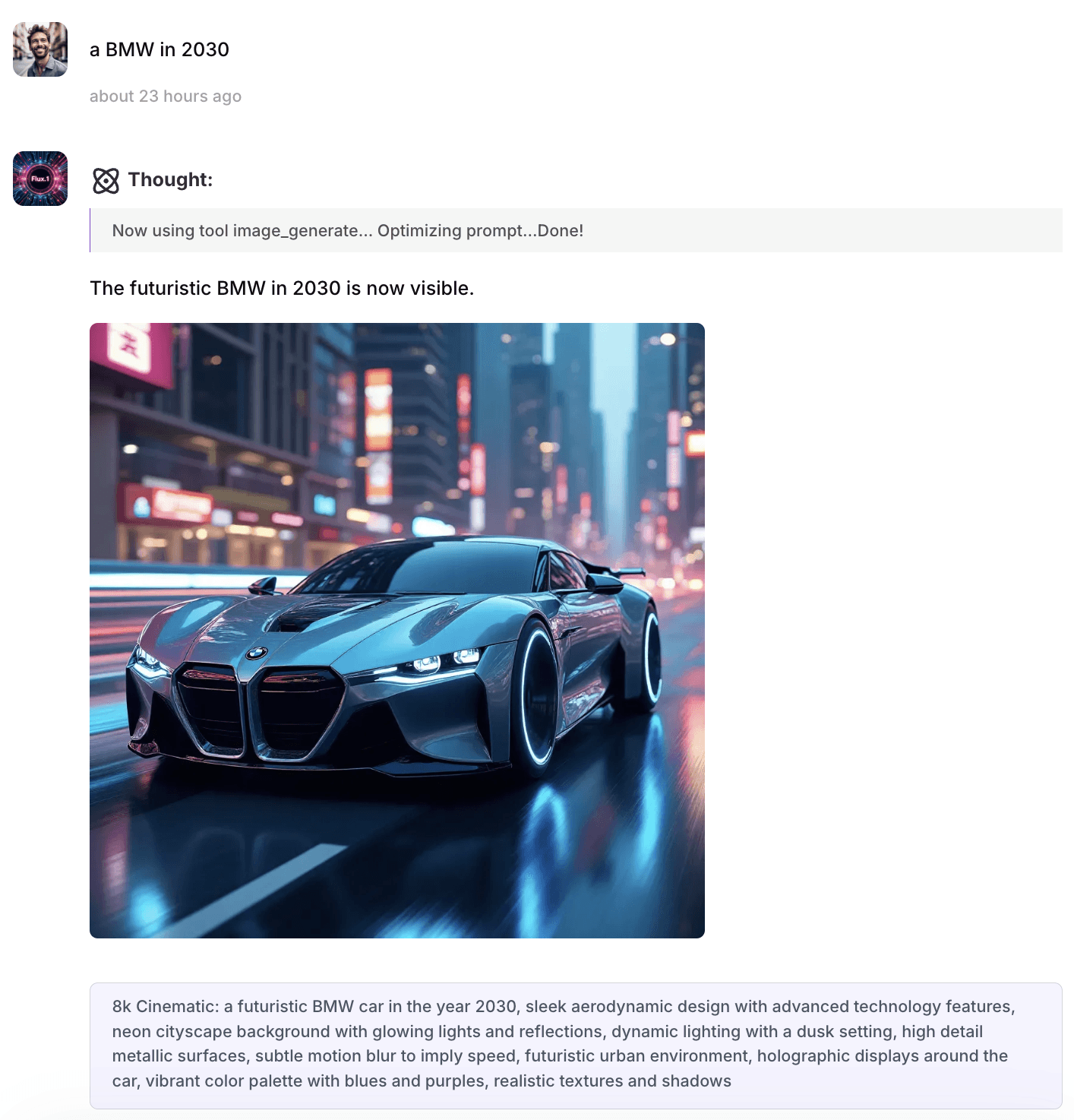
Start chatting with your agent - the tool will automatically generate images whenever they're needed.
Best practices
Use Nano Banana 2 for structured visuals, diagrams, marketing assets, and prompts that require high accuracy.
Use FLUX 2 Pro when speed and high-volume image generation are your priority.
Write clear prompts that describe the subject, style, colors, lighting, composition, and desired aspect ratio.
Add image-generation guidelines to your Agent Instructions to keep outputs consistent across conversations.
Common use cases
The Image Generator can be used for a wide range of business and creative tasks, including:
Marketing graphics
Social media content
Product mockups
Blog illustrations
Presentation visuals
Website graphics
Concept art
Advertising creatives
E-commerce product images
FAQ
How do I enable Image Generator?
Open your AI agent, go to Integrations, enable Image Generator, and choose the model that best fits your use case.
Which model should I choose?
Choose Nano Banana 2 when prompt accuracy and structured visuals are most important. Choose FLUX 2 Pro when you need faster image generation for larger workloads.
How many credits does image generation cost?
Nano Banana 2: 10 credits per generated image
FLUX 2 Pro: 5 credits per generated image
Can my AI agent generate images automatically?
Yes. After enabling the integration, your agent can generate images during conversations and automated workflows without requiring manual switching between tools.
What can I create with Image Generator?
You can generate marketing materials, product images, social media graphics, presentations, illustrations, concept art, and many other types of visuals.
🚀 Ready to build your AI agent?
Enable Image Generator and start creating AI-powered visuals directly from your AgentX agent in minutes.