
Web Browsing
Allow your AI agent to browse specific websites and retrieve up-to-date information directly from URLs provided by users.
The Web Browsing tool enables your AI agent to visit publicly accessible web pages and analyze their content in real time. If you want to learn how to configure your first AI agent, check out our AI Agent Tutorial.
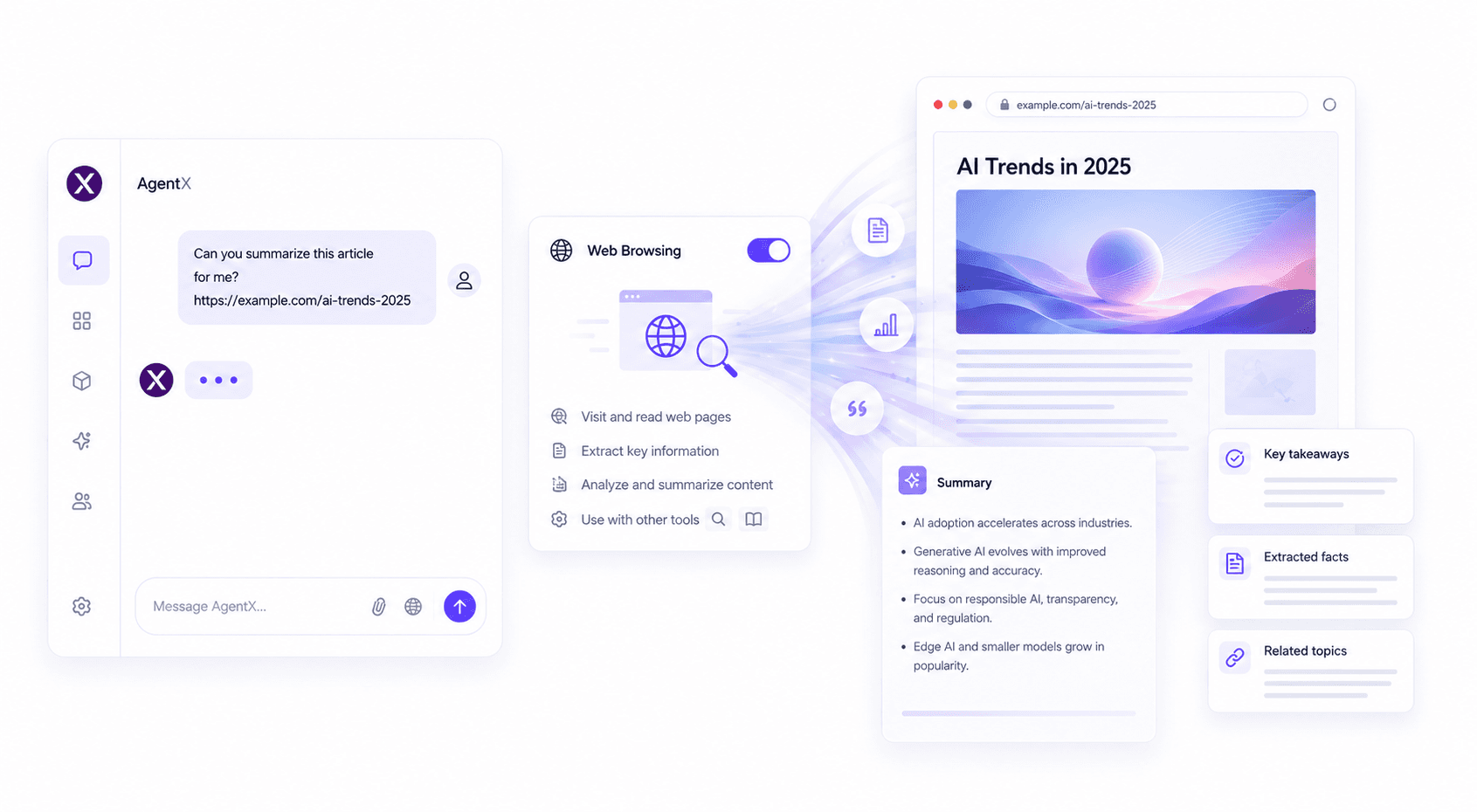
Features
The Web Browsing tool allows your AI agent to:
Visit public web pages from user-provided URLs
Read and summarize website content
Extract key information from articles and documentation
Analyze research papers, blogs, and reports
Answer questions based on live webpage content
Combine with other AgentX tools for richer responses, such as Search Engine and Knowledge Base
How to use
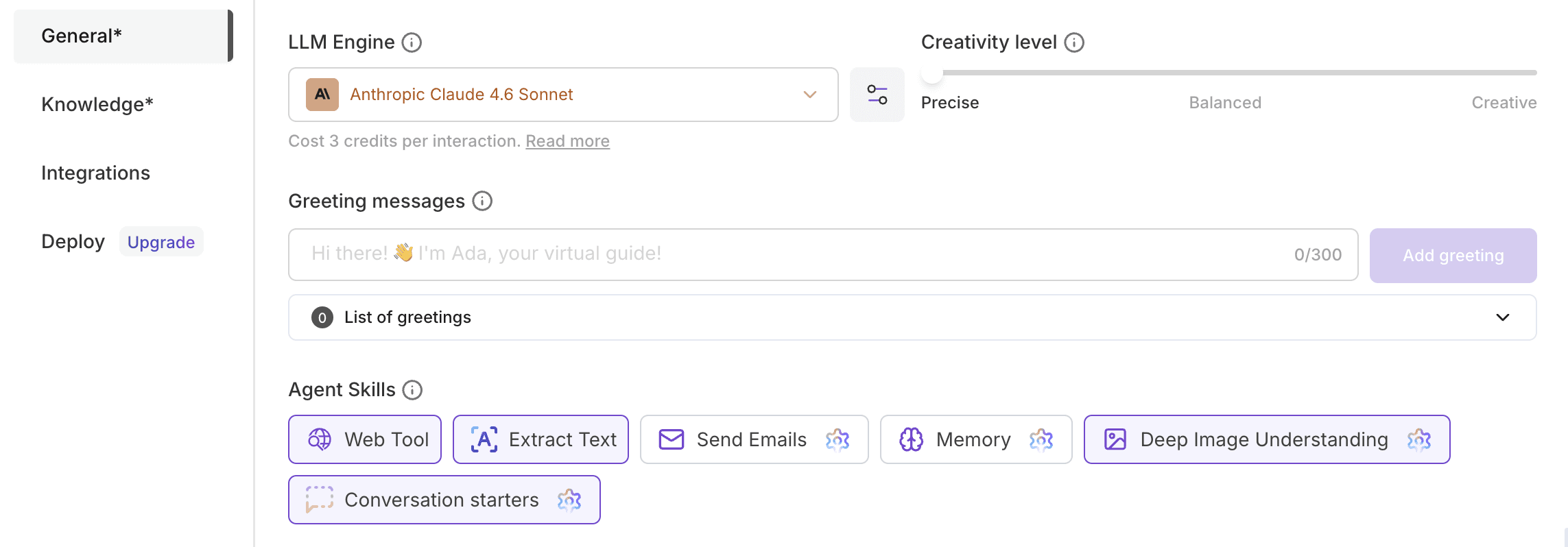
Create or edit your Agent.
Open the General tab.
Enable Web Tool.
Ask your agent to visit a specific webpage or provide a URL during the conversation.
Need help creating your first agent? Follow our step-by-step tutorial.
Pricing
No additional credits are required to enable this tool.
Standard conversation credits apply based on your agent's usage.
Best practices
Provide the complete URL for the webpage you want your agent to analyze.
Use Web Browsing when information needs to come directly from a specific website.
Combine Web Browsing with Search Engine to first discover relevant pages and then analyze them in detail.
Publicly accessible pages provide the best experience.
Common use cases
The Web Browsing tool is useful for:
Summarizing blog articles
Reading product documentation
Analyzing research papers
Reviewing company websites
Extracting information from knowledge bases
Understanding API documentation
Comparing web content
Fact-checking information from trusted sources
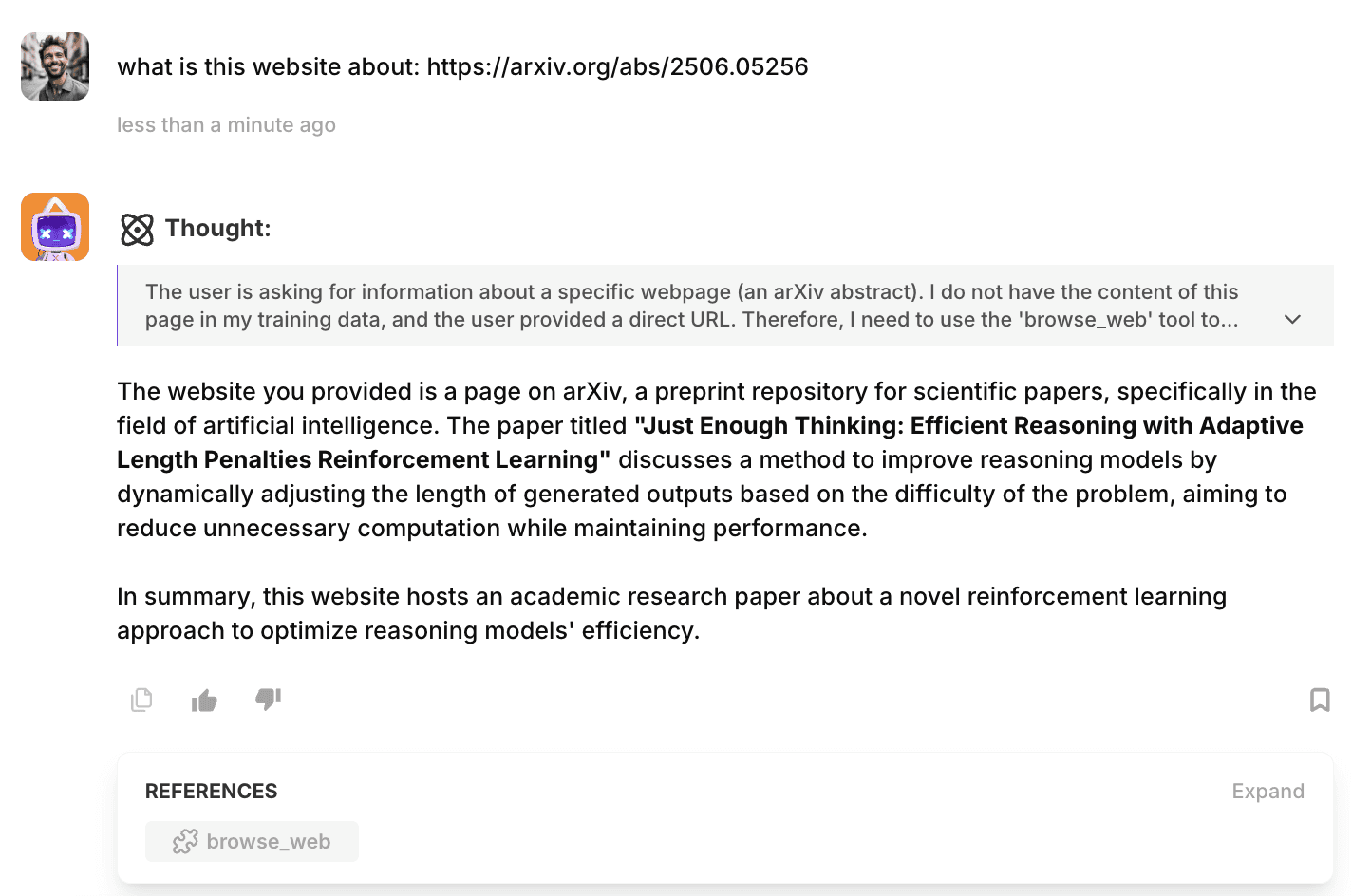
FAQ
How do I enable Web Browsing?
Open your AI agent, navigate to General, and enable Web Tool.
Can my AI agent browse any website?
Your agent can browse publicly accessible websites provided through a direct URL. Pages protected by authentication, paywalls, or other restrictions may not be available.
Does Web Browsing search the internet?
No. Web Browsing analyzes a specific webpage that you provide. If you need your agent to find websites first, combine it with the Search Engine tool.
Can the agent summarize webpages?
Yes. Your agent can read webpage content, extract key information, and generate summaries or answer questions about the page.
What types of websites work best?
Documentation, blogs, news articles, research papers, product pages, and other publicly accessible websites work best.
🚀 Ready to build your AI agent?
Enable Web Browsing and let your AI agent retrieve, analyze, and summarize live web content directly from URLs shared during conversations.