
Search Engine
Enable your AI agent to search the web in real time and answer questions using the latest information available online.
The Search Engine tool allows your AI agent to search the internet, discover relevant websites, and retrieve up-to-date information during conversations. If you're building your first AI agent, follow our AI Agent Tutorial to learn how to configure tools and integrations.
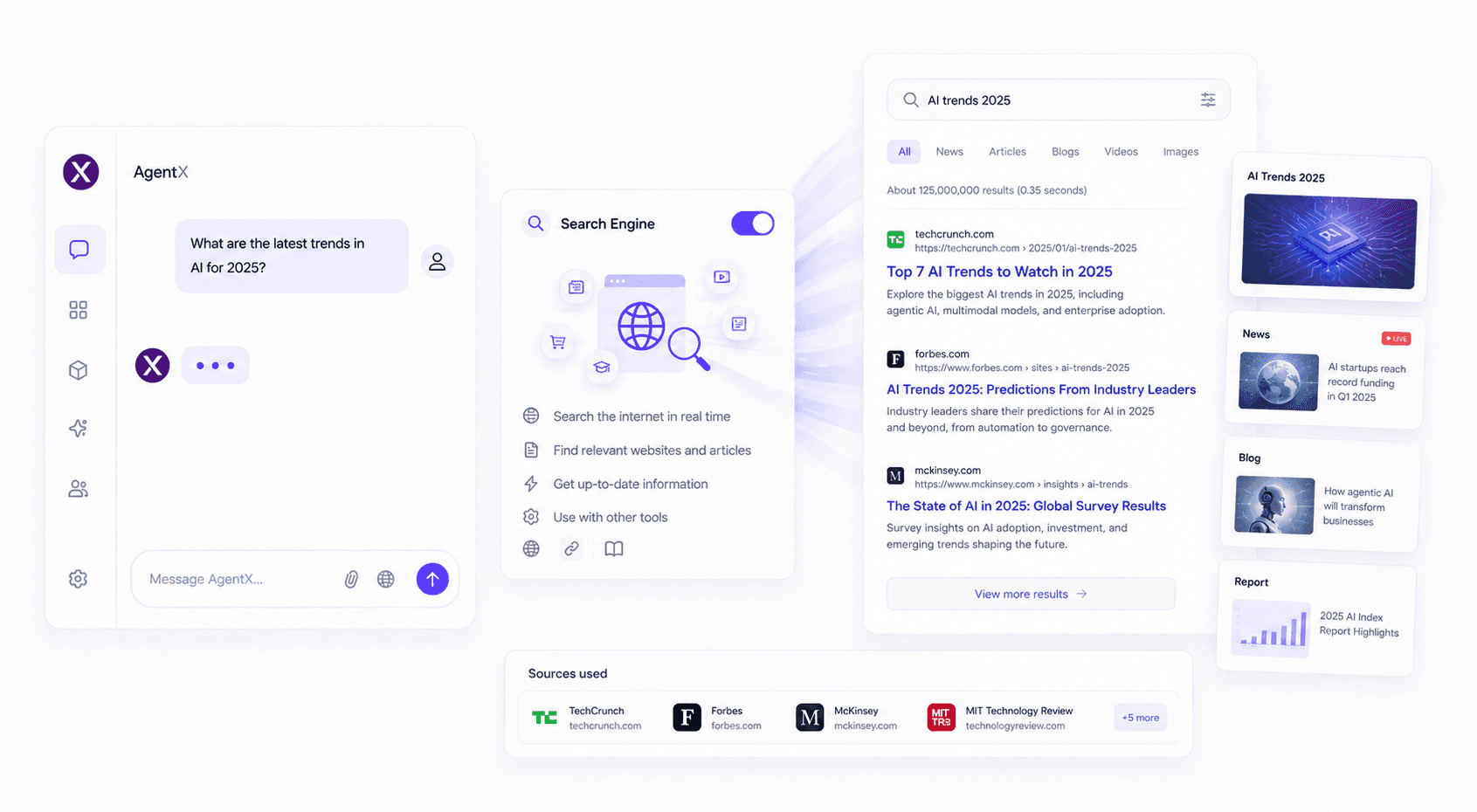
Features
The Search Engine tool enables your AI agent to:
Search the internet in real time
Answer questions about current events and live information
Find websites, articles, products, and businesses
Retrieve recent news and trending topics
Discover relevant sources before analyzing them with Web Browsing
Combine search results with your Knowledge Base for more complete answers
How to use
Create or edit your AI agent.
Open the Integrations tab.
Enable Search Engine.
Ask your AI agent any question that requires current or live information.
The agent will automatically search the web and generate a response using relevant sources.
Pricing
No additional credits are required to enable Search Engine.
Standard conversation credits apply based on your agent's usage.
Best practices
Use Search Engine whenever your AI agent needs current or frequently changing information.
Combine it with Web Browsing to read and summarize specific webpages after discovering them through search.
Use Knowledge Base alongside Search Engine to combine live web results with your company's internal documentation.
Ask clear and specific questions to receive the most relevant search results.
Common use cases
Search Engine is perfect for:
Current news and events
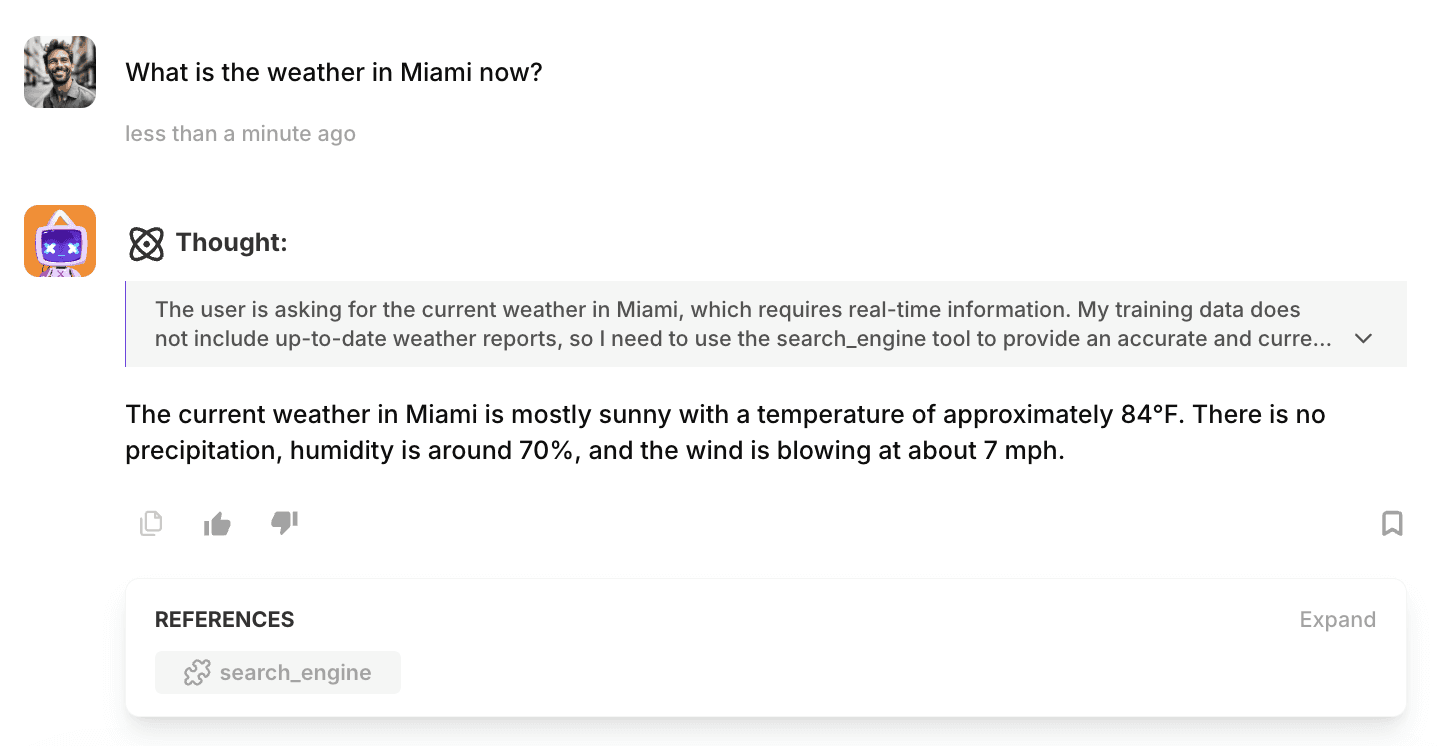
Weather information
Market and stock updates
Company research
Product comparisons
Industry trends
Finding documentation and tutorials
Discovering websites before using Web Browsing for deeper analysis
FAQ
How do I enable Search Engine?
Open your AI agent, navigate to Integrations, and enable Search Engine.
What's the difference between Search Engine and Web Browsing?
Search Engine discovers relevant websites and information across the internet. Web Browsing analyzes the content of a specific webpage that you provide or that your agent finds through search.
Can Search Engine answer questions about current events?
Yes. Search Engine retrieves live information from the web, making it suitable for questions about news, weather, trends, sports, and other time-sensitive topics.
Can I combine Search Engine with other tools?
Absolutely. Search Engine works particularly well with Web Browsing for reading webpages and Knowledge Base for combining external information with your internal documents.
Does Search Engine automatically cite sources?
Yes. When appropriate, your AI agent can reference the sources it used to generate its response, helping users verify the information.
🚀 Ready to build your AI agent?
Enable Search Engine and give your Agent access to real-time information from across the web.