
Presentation Research Manager
Organizes your slide content - researches topics, structures slides, and prepares clear outlines with image requirements.
Business · Productivity · Art & Design
Turn rough ideas into polished, professional slide decks with a coordinated AI team that researches your topic, selects perfect visuals, and assembles beautifully designed presentations—ready to deliver.

The team
Organizes your slide content - researches topics, structures slides, and prepares clear outlines with image requirements.

Curates slide visuals - selects or generates verified, high-quality images that match content and style.

Builds polished decks - assembles slides with text, layout, and images into a clean, professional presentation.
Capabilities
Builds clean, logically ordered slide sequences for any topic.
Chooses high-quality, relevant images aligned with your narrative.
Applies professional spacing, hierarchy, and slide formatting.
Turns long text into concise, presentation-ready bullets.
Matches your preferred tone - executive, academic, or creative.
Exports polished decks ready to present or share.
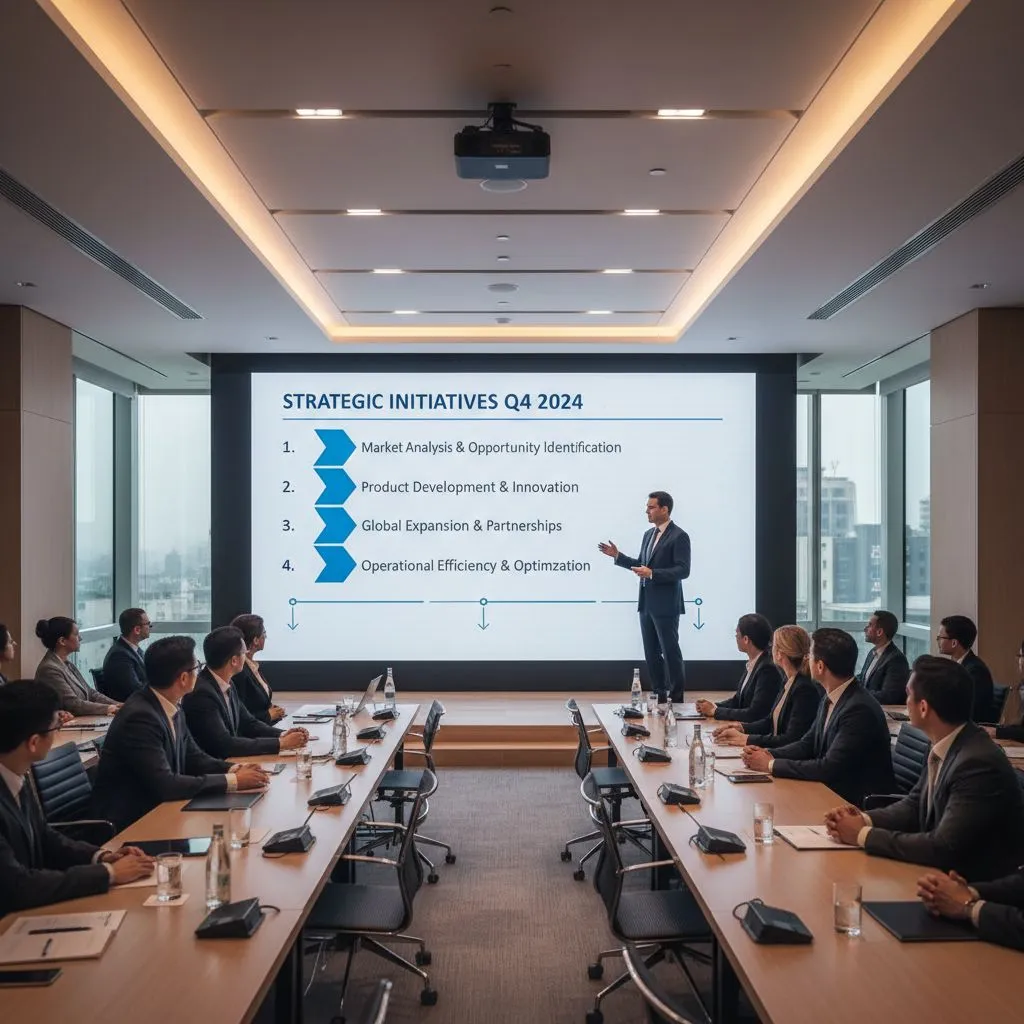
Overview
A clear visual showing how the agent organizes slide structure, chooses slide-appropriate images, and assembles a clean, well-balanced deck with consistent design.
Who it serves

Create pitch decks and strategy slides effortlessly.

Turn long reports into clean, structured visual decks.

Deliver polished presentations without manual formatting.

Produce organized academic presentations quickly.

Get decision-ready slides crafted from complex information.
By the numbers
Faster presentation creation compared to manual slide building.
Each slide gets one curated visual for clarity and focus.
Typography, spacing, and formatting remain uniform across all slides.
FAQ
This team performs research, structures your content, selects visuals, and assembles a fully designed deck — not just formatting text into a template.
No. The Image Picker Specialist generates or finds high-quality images and passes verified URLs to the Presentation Maker.
Yes — you can specify colors, fonts, or design preferences.
Yes — it cleans and restructures text for slide-friendly clarity.
Absolutely. The Research Manager breaks complex material into clear slide structures with logical flow.
Yes — it formats data into clean visual representations when needed.
Yes. The Presentation Maker ensures uniform spacing, hierarchy, typography, and overall design consistency.
Yes. If your content is messy or long, the Research Manager refines it into clean, slide-ready bullets.
Yes — it converts reports into structured slide sequences.
Pitch decks, investor presentations, academic presentations, strategy decks, reports, marketing slides, and more.
Yes — the workflow supports adjustments in structure, visuals, or tone.
There’s no fixed limit — the team builds as many slides as needed based on topic, depth, and your preferences.
In depth
Our AI Presentation Creation Team operates as a fully coordinated multi-agent workflow. Each agent specializes in research, visual curation, or presentation assembly — ensuring every slide is clear, consistent, and professional.
The Presentation Research Manager gathers the topic, audience, tone, and purpose to shape the overall slide structure.
The Research Manager identifies key points, organizes them into slide sequences, and determines where visuals strengthen clarity.
For each slide, the Research Manager specifies the exact type of image needed and delegates this to the Image Picker Specialist.
The Image Picker generates or finds high-quality images, verifies each direct URL, and returns only approved links for the presentation.
The Presentation Maker Pro uses the curated images and structured content to build polished slides with consistent formatting and layout.
Typography, spacing, color consistency, and image placement are checked to ensure a clean, executive-ready presentation.
You receive a complete, visually polished deck — ready for pitching, teaching, presenting, or sharing.
The Result for You
Your AI Presentation Creation Team works in the background — so you can focus on insights, not formatting.
Connect with our team to see how AI agents can transform your pipeline.