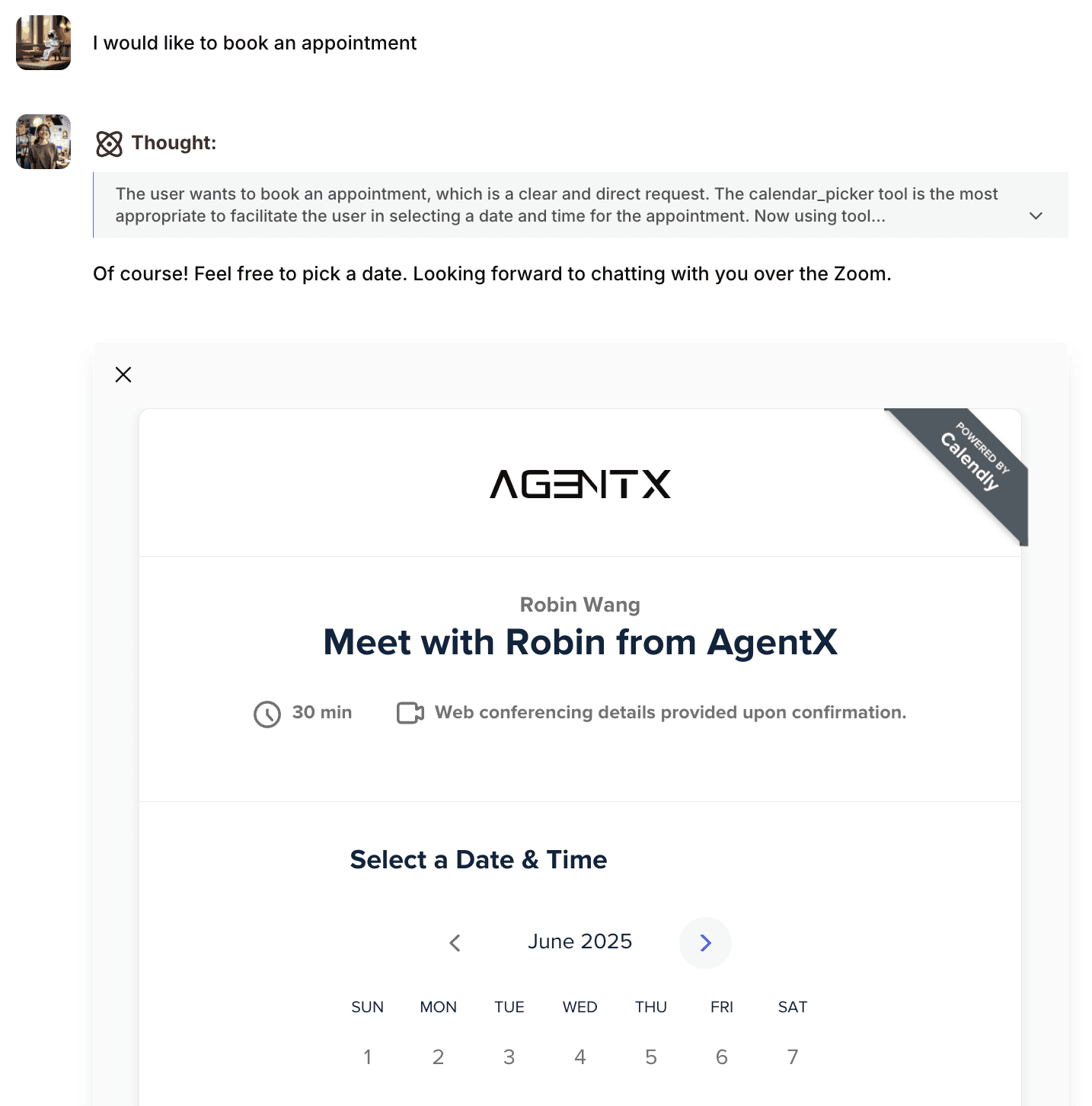
How to find Calendly API Key and connect to your AI Agent
Setup Calendly with AI Agent on AgentX. Find out how to find Calendly API Key.
Integrating Calendly with an AI agent streamlines and automates your scheduling process, saving valuable time and reducing manual effort. By connecting these tools, your AI agent can automatically book meetings, send reminders, handle rescheduling, and answer common questions.
Calendly & AgentX
Here is step by step guide on how to setup Calendly with your AI Agent
Log in to Calendly.
Select
Integration & appsfrom left side menu.Or you can just go to: https://calendly.com/integrations/api_webhooks
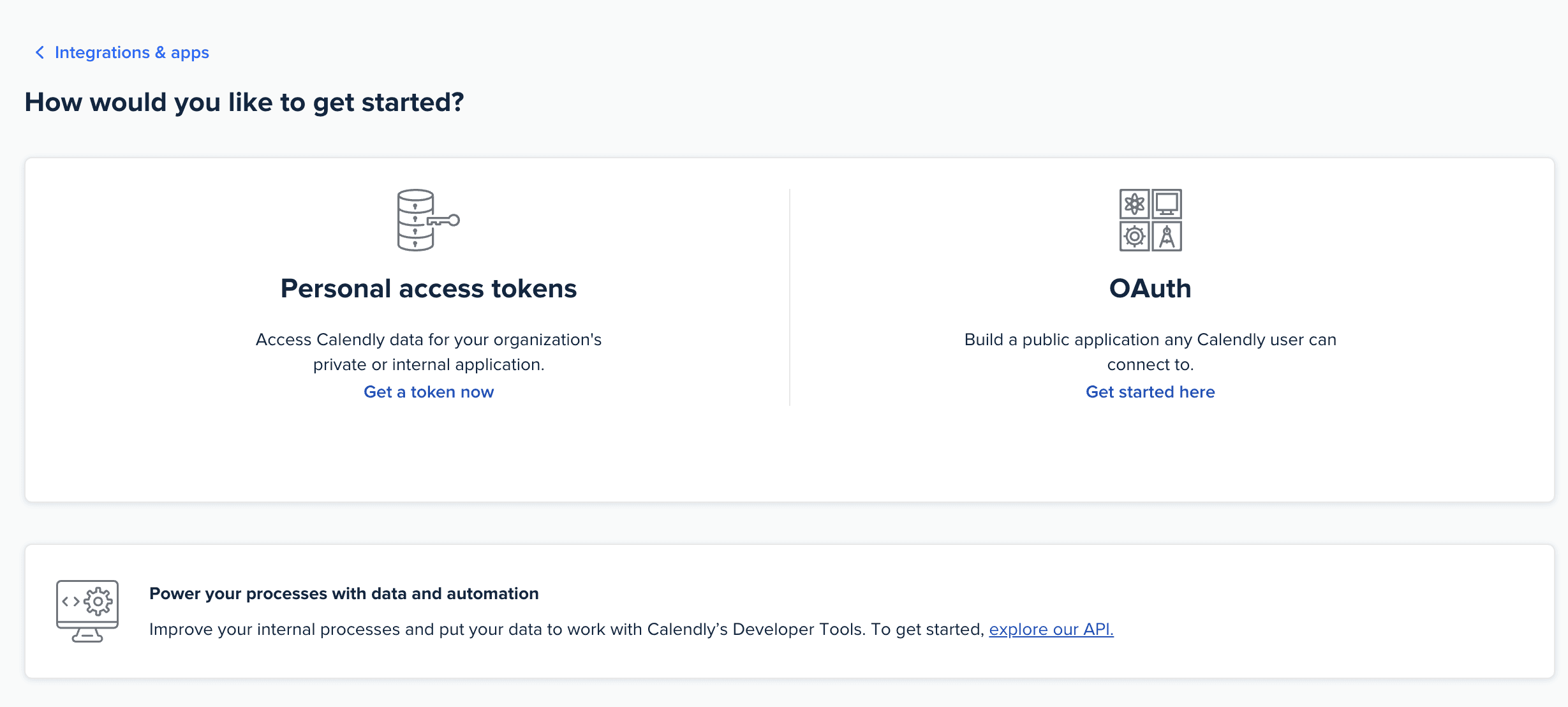
Choose Personal access tokens and create a new access token.
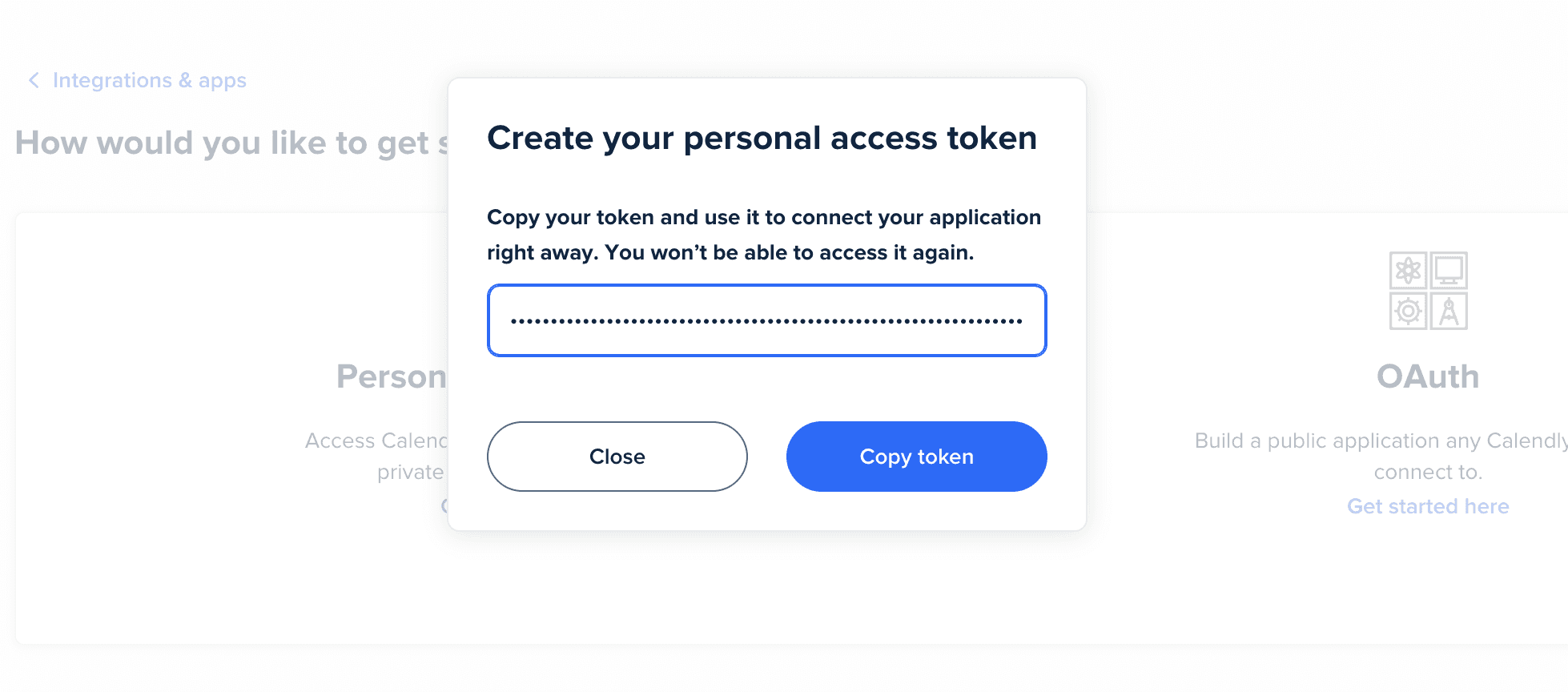
Copy the token - This is your
API key.
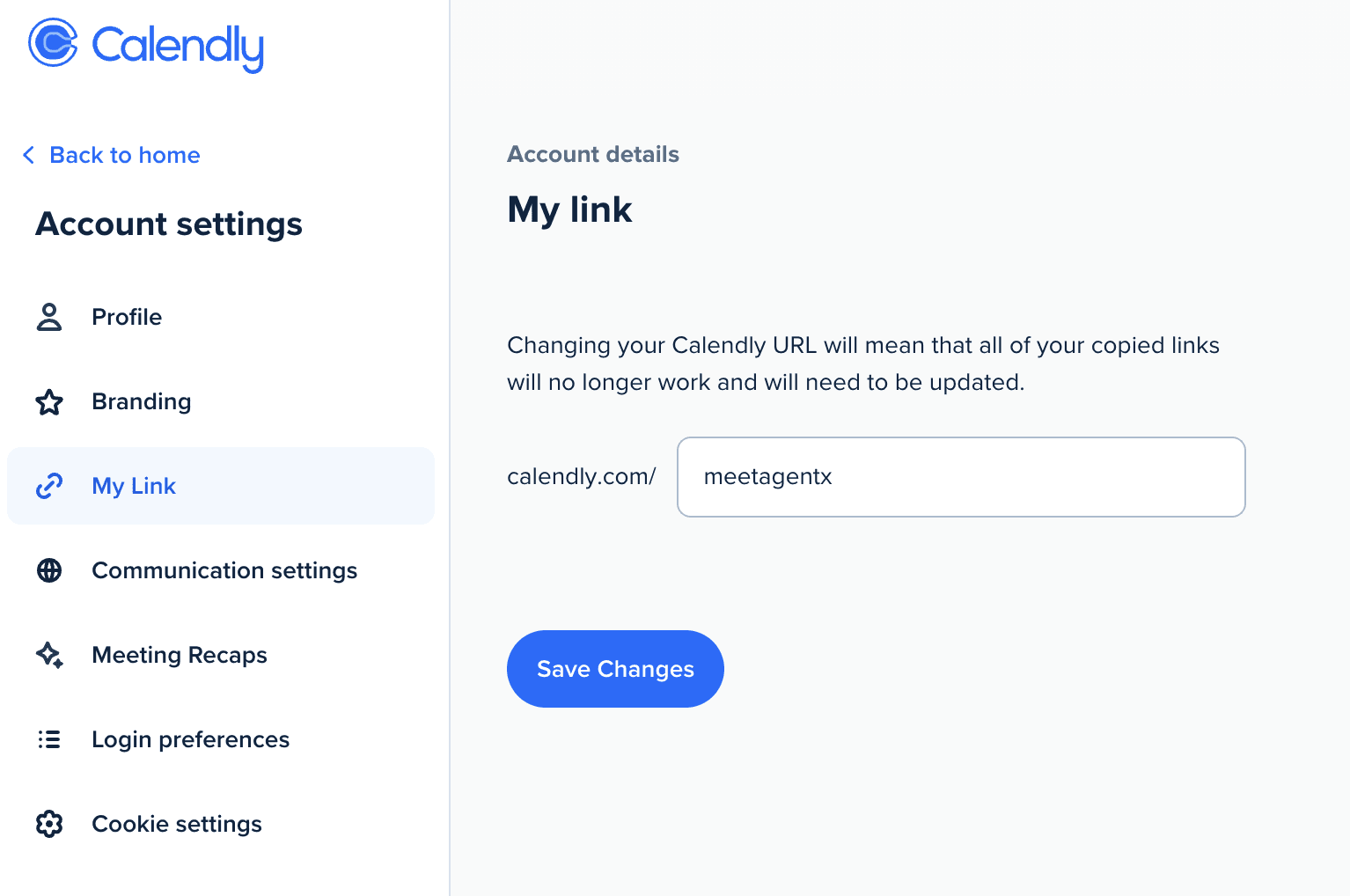
Now we need to also get our meeting name as our username.
And you will see the editable username like this. You may change it however you like.
Copy it - it is your
username
Add the API Key and Username into AgentX
Sign up with AgentX if you do not have an account yet, it's free, no credit card needed 💳!
Log in to AgentX and choose your AI agent and edit it.
Navigate to Integrations
Choose Calendly and enable it.
Copy
API KeyandUsernameinto the fields.Click Save.
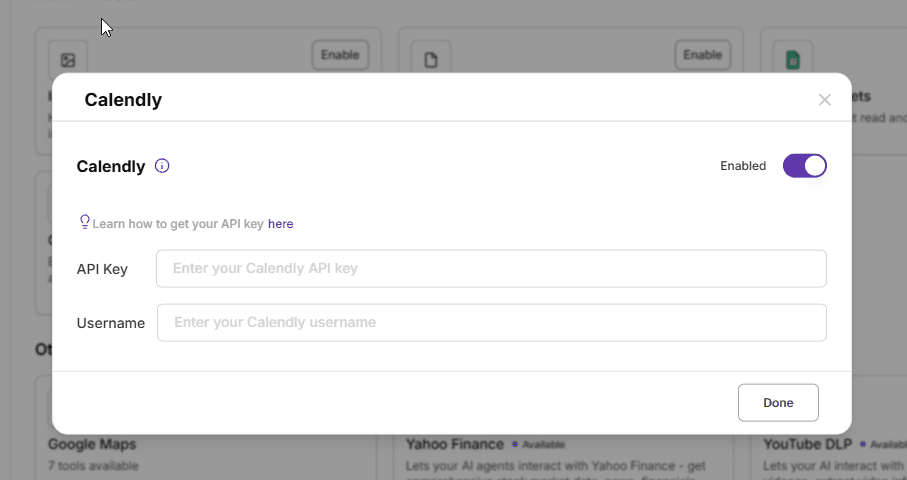
Now your AI Agent is successfully connected with your calendar!
Let's see it in action.